AutoRun USB/CD Icon
More FeaturesLoad Custom Icon
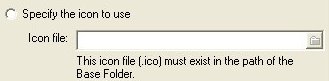
AutoRun Studio allows you to specify the icon to be used within the Windows Explorer when your usb disk or cd-rom is in the drive. You can load the exact .ico file from the disk.
Select Icon from AutoRun .EXE File
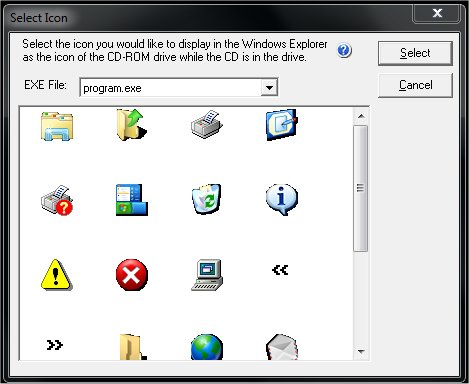
If you have selected to launch the file type of .EXE, AutoRun Studio shows you a selection screen that includes all of the icons available to you from within that .EXE file.
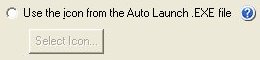
Once you have selected the icon to use, AutoRun Studio will automatically load this icon from the .EXE program and display it as your icon of choice inside of the Windows Explorer browse drives.
Use Default AutoRun Studio Icon
AutoRun Studio comes with a professional looking default icon that can be used. This is for people who do not have an icon to use or do not want to use this usb/cd icon feature.

The default icon from AutoRun Studio is
