If I use AutoRun Wizard to launch a PowerPoint file, do my customers need PowerPoint installed?
To open a .ppt or .pptx file, the user's PC needs PowerPoint (desktop or Microsoft 365) or another program that opens presentations. Microsoft retired the free PowerPoint Viewer in 2018 and no longer offers it, so you cannot ship it on your disc anymore.
The good news is that you do not need it. Convert your presentation into a format every Windows PC opens:
| Save your presentation as | How (in PowerPoint) | What the user gets |
|---|---|---|
| Video (MP4) | File > Export > Create a Video | Plays on every PC, keeps animations, transitions, timings and narration. Best for self-running presentations. |
| File > Export > Create PDF/XPS | Opens on every PC in Edge or a PDF reader. Best for handouts the user reads at their own pace. Animations are lost. | |
| PowerPoint Show (.ppsx) | File > Save As > PowerPoint Show | Opens straight into the slide show, but only on PCs that have PowerPoint. |
Then autorun the file like any other: see autorunning a video or autorunning a PDF.
Older discs that still use pptview.exe
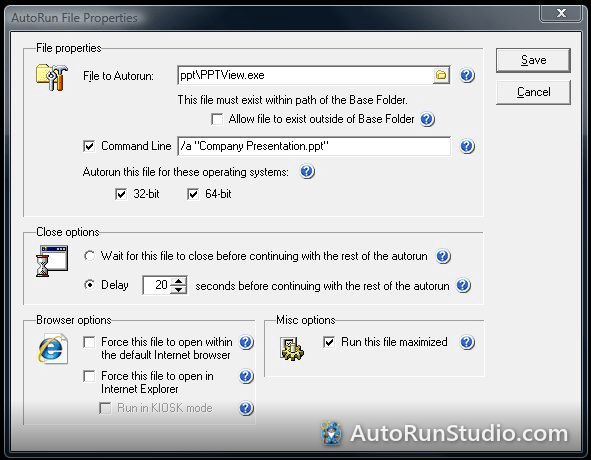
Discs built years ago launched the PowerPoint 2003/2007 Viewer (pptview.exe) with the /s command line. That viewer only runs presentations saved in older formats and is not supported on current Windows, so remaster those discs with an MP4 or PDF.
Try it yourself. AutoRun Studio is free to download and fully functional - see how it handles this on your own USB drive or CD.
Download & Try Free