Can I add Menu to my autorun with AutoRun Wizard?
Yes. AutoRun Wizard does not include a menu designer on purpose: an HTML page makes a better menu than any built-in designer. You can use any layout, fonts, images, buttons and links you like, and edit it with any HTML editor. Then you autorun that page.
Plan the menu
A typical company disc has a main page with buttons such as:
- About Us - links to about.html
- Products - links to a product PDF or page
- Install - links to setup.exe
- Video - links to an MP4
- Contact - links to your website
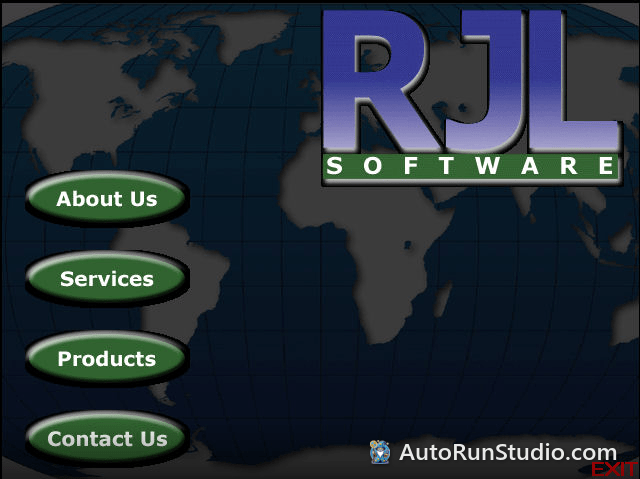
Each button opens another page or file. Every page gets a link back to the menu:
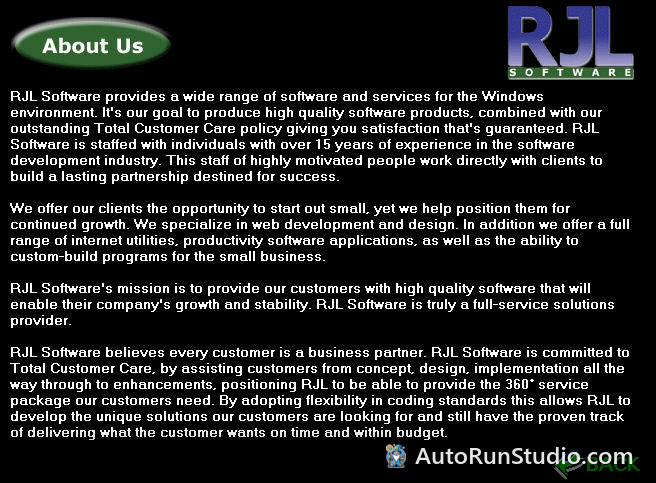
Build it so it works on every PC
- Relative links only. Use
about.htmlordocs/catalog.pdf, neverD:\.... The drive letter is different on every PC. - Everything on the disc. Keep fonts, images and scripts on the disc. A menu that loads files from the internet breaks on a PC that is offline.
- No server needed. Plain HTML, CSS and JavaScript run straight from the disc. Server code (PHP, ASP) does not.
- Links to programs. Browsers download or ask before running an .exe from a link. For an installer, it is smoother to autorun it as a second file, or let the user open it from File Explorer.
Autorun the menu
Set your menu page as the first file to autorun and check Force the file to be opened within the default Internet Browser. See How do I AutoRun an HTML file?
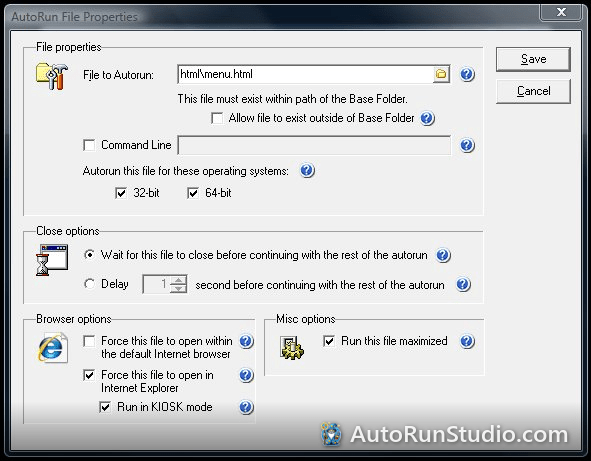
For a full-screen menu without browser toolbars, older projects used the Internet Explorer Kiosk option. Internet Explorer is retired on Windows 10 and 11; use Microsoft Edge kiosk mode instead: full-screen menu in Edge. Give the user a way out with a Close link and Alt+F4.